
Dave the Diver save editor for Mac
DiveSaveEd is a free, open-source, native macOS app that edits your Dave the Diver save file — offline, while the game is closed. No Wine, no Cheat Engine, no process injection, no account, no network.
Free & MIT licensed macOS 14+ Apple Silicon + Intel Signed & notarized 4 languages
Download the latest release View source on GitHub
Download the .dmg, drag the app to Applications. It is signed and notarized by Apple.
What it does
Dave the Diver keeps its progress in a save file on your Mac. DiveSaveEd opens that file, decodes it, lets you change the values you care about, writes it back, and closes. That's the whole tool. It never attaches to the game process, never reads or writes game memory, and never touches the game executable — which is also why it doesn't need the game to be running, and refuses to write while it is.
Almost every other save editor for this game is Windows-only, which on a Mac means Wine, CrossOver, or a virtual machine. This one is a real Mac app.
Features
-
Currencies
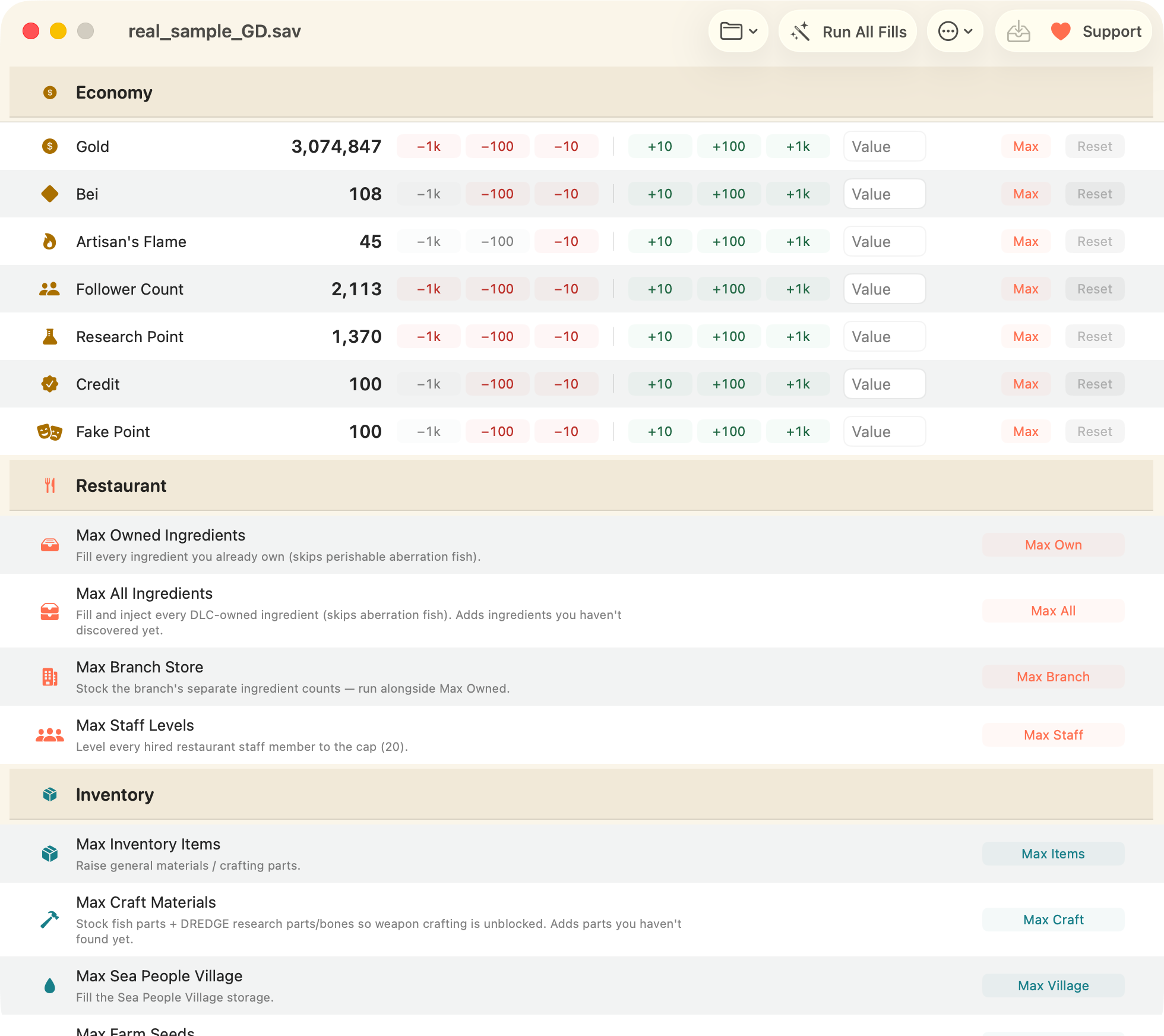
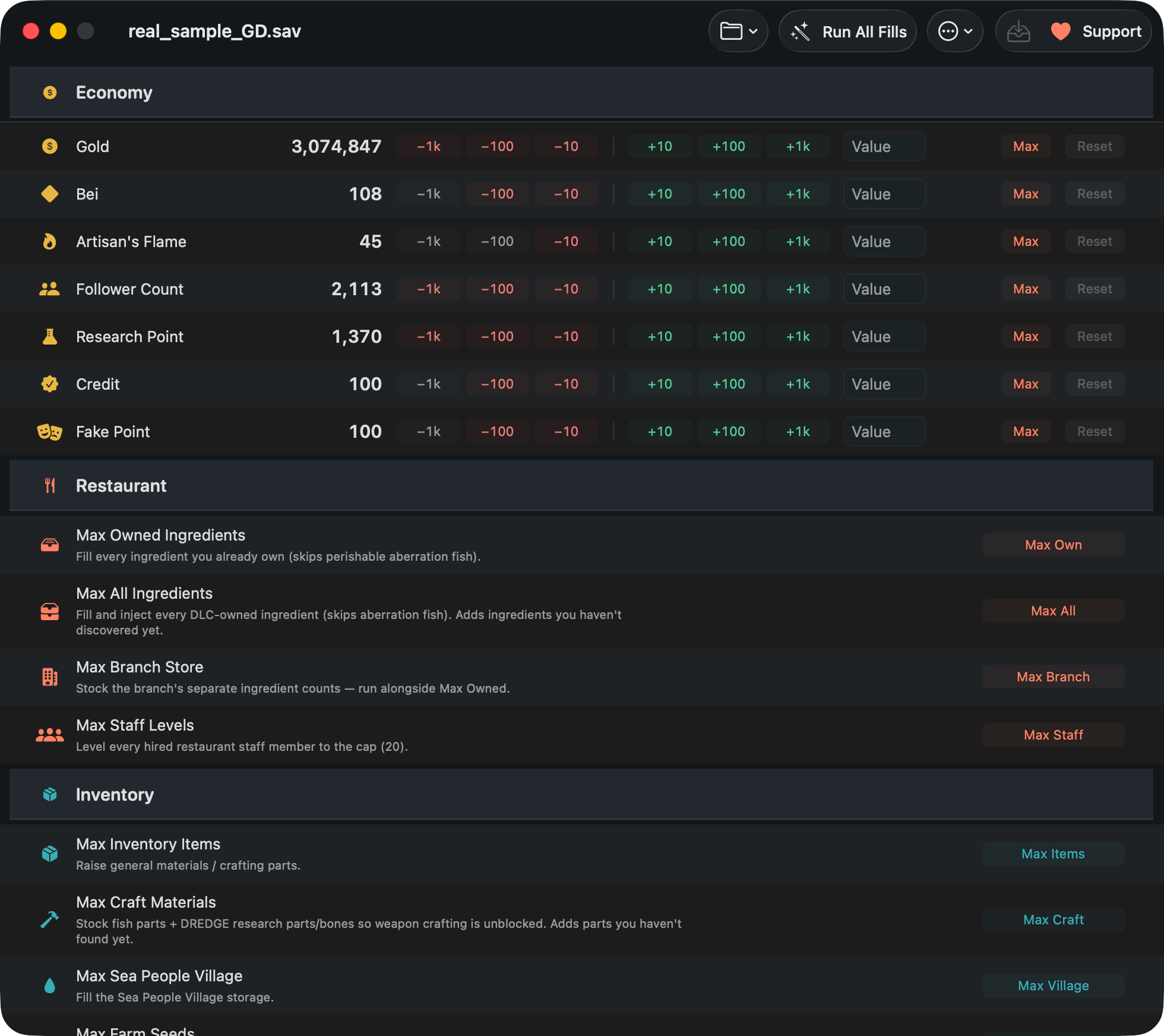
Gold, Bei, Artisan's Flame, Research Point, Cooksta Follower Count, Trust and Fake points. Nudge by ±10 / 100 / 1000, type an exact value, or set the maximum. Reset restores the value the save had when you opened it.
-
Support the project
It's free and MIT-licensed and that isn't changing. What a donation actually pays for, who you'd be sending it to, and the things that help more than money do.
-
Bulk fills
One click each — owned ingredients, all ingredients (DLC-aware), branch stock, staff levels, general items, craft materials, Sea People village, farm seeds, caught-fish grade — or Run All Fills for all of them at once.
-
Search by name, not by ID
The app ships an item database, so you browse and edit any single item by its actual name instead of hunting for numeric IDs in a spreadsheet.
-
Everything is reversible
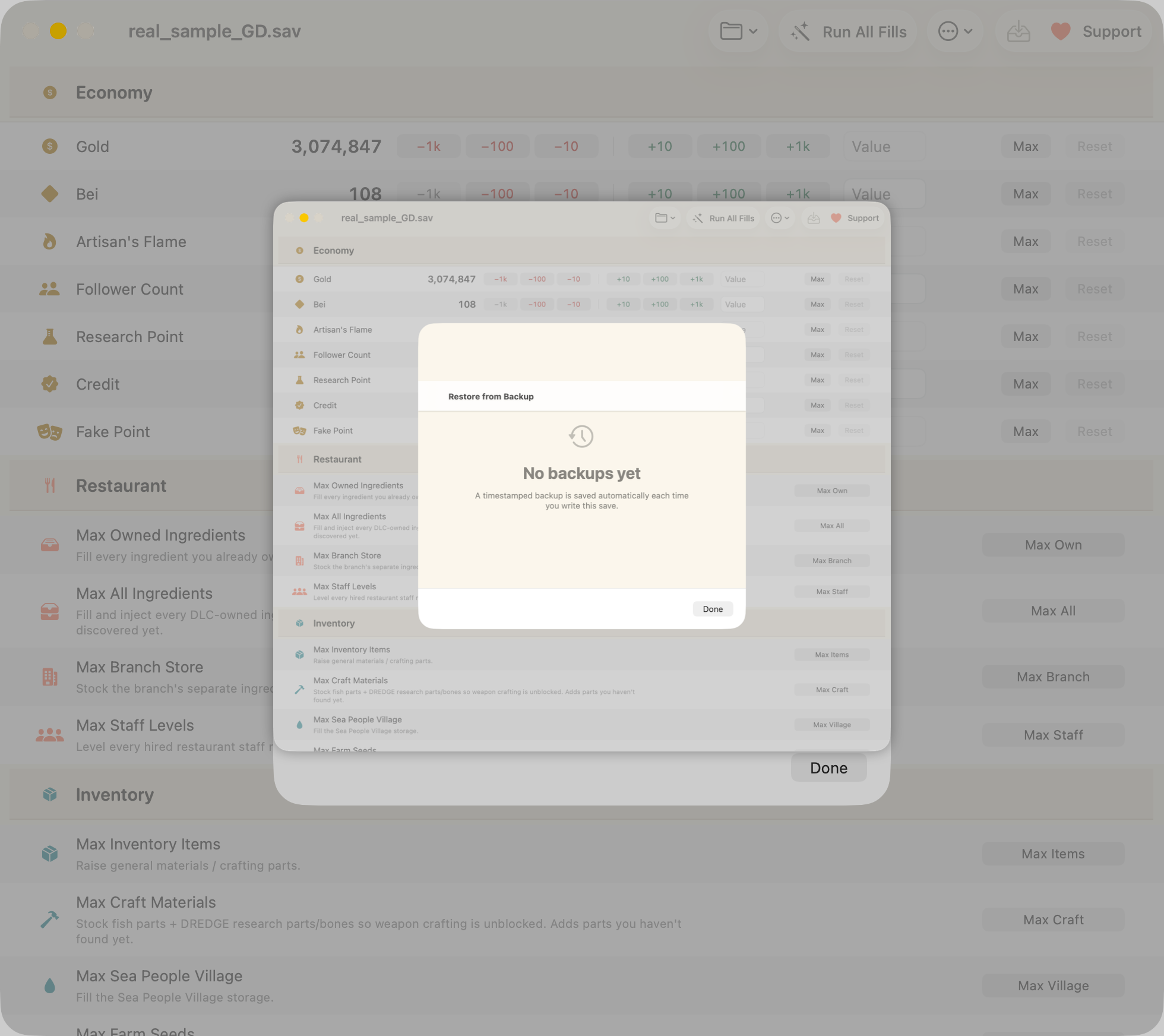
Every bulk action can be undone in-app, every write makes a timestamped backup first, and there's a restore window to roll back to any of them.
-
Read-only raw inspector
Search the entire decoded save as formatted JSON. Deliberately read-only: hand-editing raw values can set progression flags out of order and soft-lock a run.
-
Multiple save slots
Picks up every save the game has and lets you choose which one to work on — and finds them without being told where they are.
-
Four languages
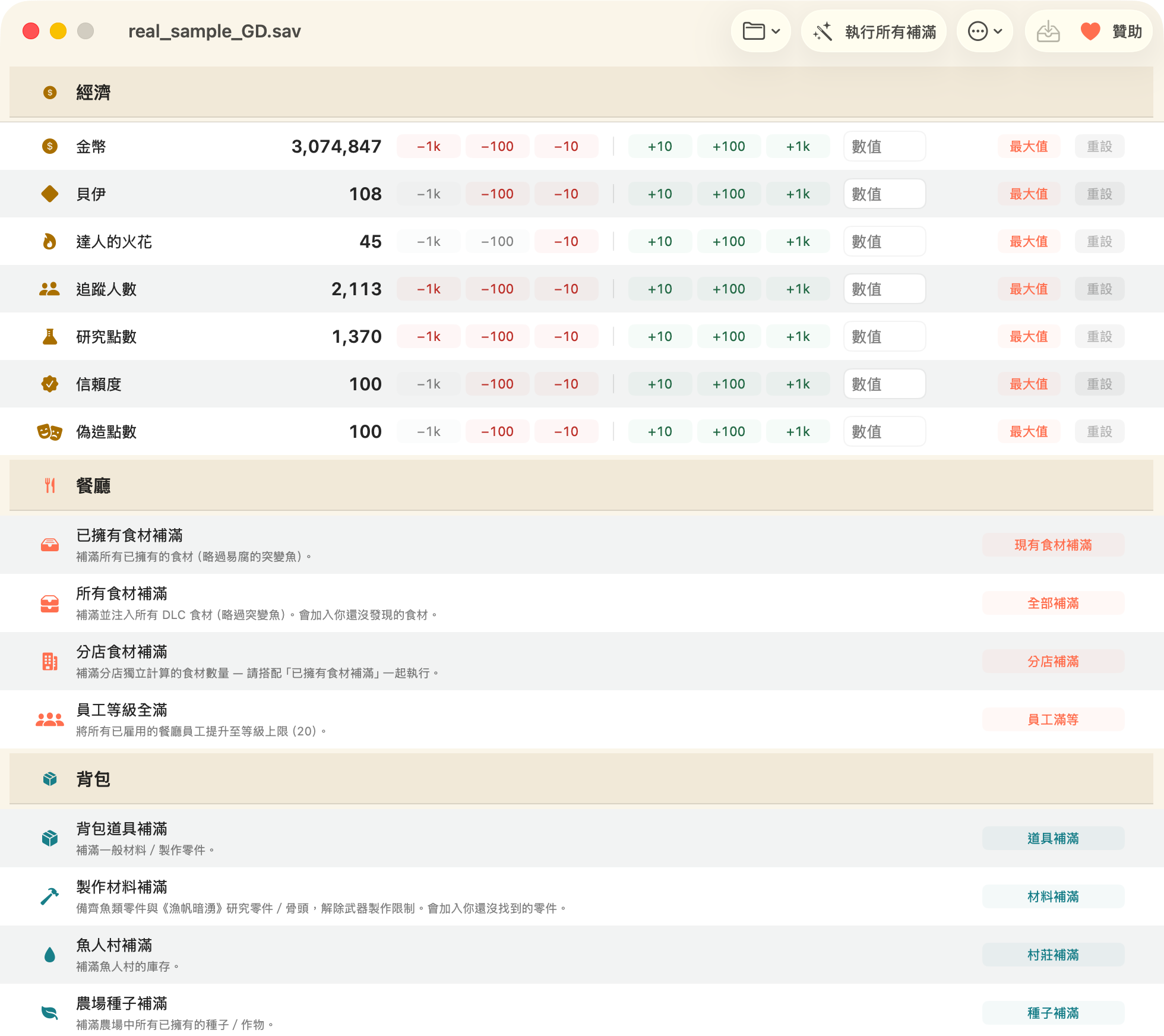
English, 简体中文, 繁體中文, 한국어. Saves containing non-ASCII text are read and written correctly, with no corrupted characters.
-
DLC aware
“In the Jungle” DLC ingredients are handled, and the app only injects content for DLCs your save reports as installed.
Is it safe?
Safety is a design constraint, not an afterthought:
- Refuses to write while Dave the Diver is running, or while the save file is open elsewhere.
- Automatic timestamped backup before every write, with a restore UI.
- Bulk undo for every bulk operation.
- A change preview before anything is written.
- Skips perishable aberration fish (the DREDGE collab catch) in bulk fills — the game discards stockpiled aberrations on load, so filling them would wipe your real catch.
- Open source under MIT. Read every line before you run it.
And no, you will not get banned: Dave the Diver is a single-player game with no multiplayer, no leaderboards, and no anti-cheat software. This exists so you can back up, repair, and un-grind your own single-player save.
Read next
-
Where is the save file on macOS?
Both known paths, how to open the hidden
~/Libraryfolder, theGameSave_XX_GD.savnaming, and how to back it up by hand. -
Max Gold, Bei & Artisan's Flame
The practical walkthrough — what each currency is for, how to set it, and how to undo it if you overshoot.
-
Cheat Engine alternative for Mac
Cheat Engine doesn't run on macOS. Here's the honest difference between a memory trainer and a save editor, and what this does instead.
-
FAQ
Bans, disappearing edits, Intel Macs, non-English saves, DLC, undo, and the Xbox / Microsoft Store version.
Requirements
| Operating system | macOS 14 (Sonoma) or later |
|---|---|
| Hardware | Apple Silicon or Intel — universal build |
| Game version | Steam version of Dave the Diver on macOS |
| Not supported | Nintendo Switch, PlayStation, Xbox / Microsoft Store |
| Price | Free. MIT licensed. No ads, no telemetry, no network calls. |